Your Google review link, pasted once
From your Google Business Profile, straight into Settings.
Paste your Google review link once, pick the trigger (their 10th class, 30 days in, or a challenge finished), write the message and set a daily cap. Stats OS asks for you, once per member, ever, and never while they are behind on dues, on hold, or just had a no-show.
From your Google Business Profile, straight into Settings.
After their 10th class, after 30 days of membership, or when a challenge they finished ends.
Never sent to a member behind on payments, on hold, with a queued booking fee, or a recent no-show.
Spread requests out so they do not all land on the same day.
From your Google Business Profile, once.
Their 10th class, 30 days in, or a finished challenge.
Never twice, and never to someone in a bad spot with their account.
Settings, Reviews on the demo gym.
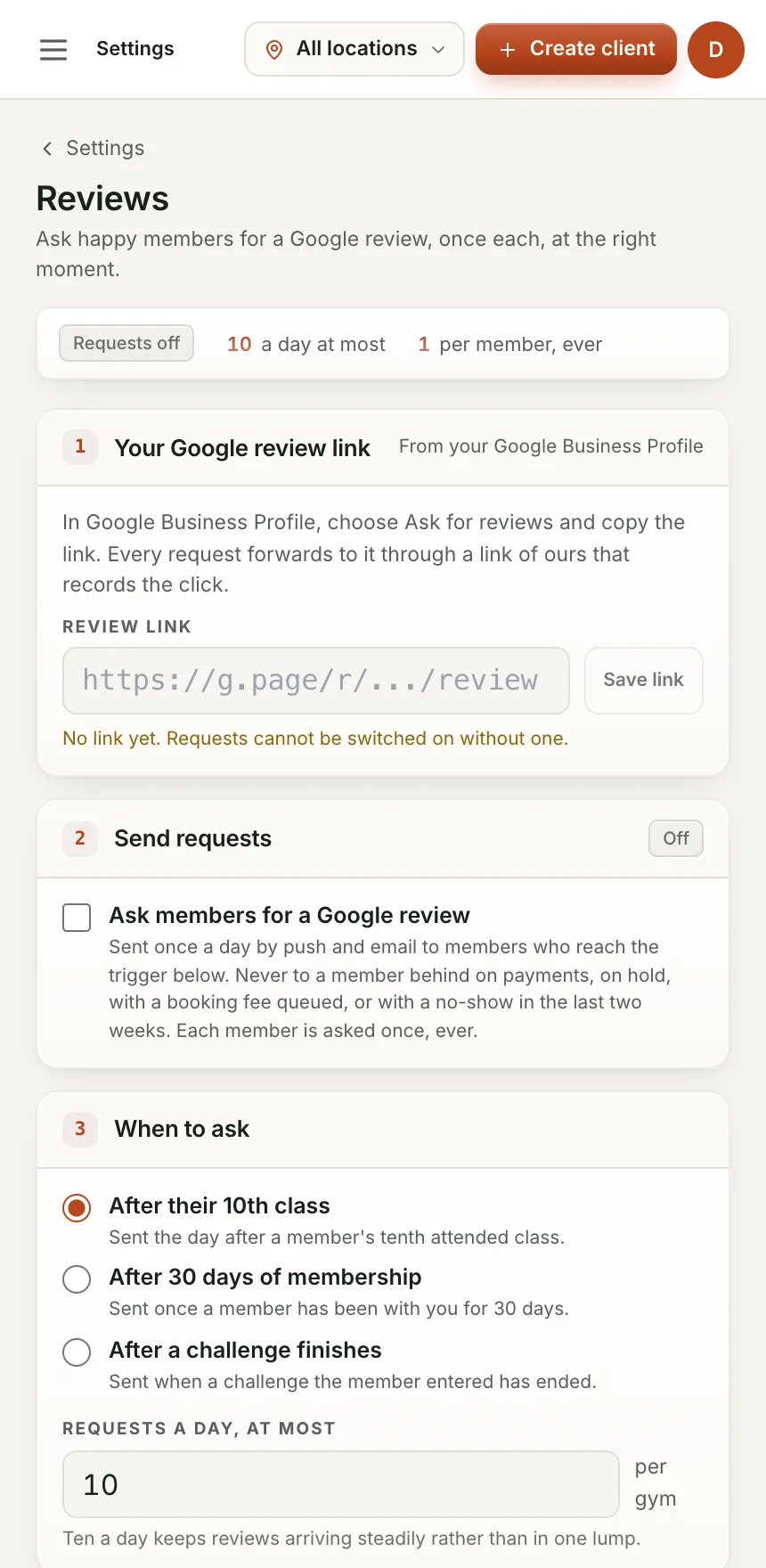
The trigger fires on its own, at the moment a member is happiest.
Nobody behind on dues, on hold or just no-showed gets asked.
Nobody gets nagged for a review twice.
Yes, it is off by default and stays off until you set the trigger and switch it on.
Every member is only ever asked once regardless, so there is nothing further to turn off for them.
We are bringing gyms on a few at a time so each one gets set up properly. Leave your details and we will let you know when your spot is ready.