A week at a glance
One card per day, every class as a row, the coach on it right there.
One card per day, a row per class, a coach picker on each. Pick a coach for this week only, or for every week on the timetable from now on. A class with nobody on it wears a red tone, and the notice board lists every uncovered class in the next seven days.
One card per day, every class as a row, the coach on it right there.
Covering for someone once does not change the timetable. Picking a coach for good does.
A class with nobody on it wears a red tone, so it does not get missed in a long list.
Every class in the next seven days with nobody on it, in one list.
One week, one card per day.
This week only, or as the standing timetable coach.
Red for uncovered, and the notice board lists them for the next seven days.
This week's roster on the demo gym.
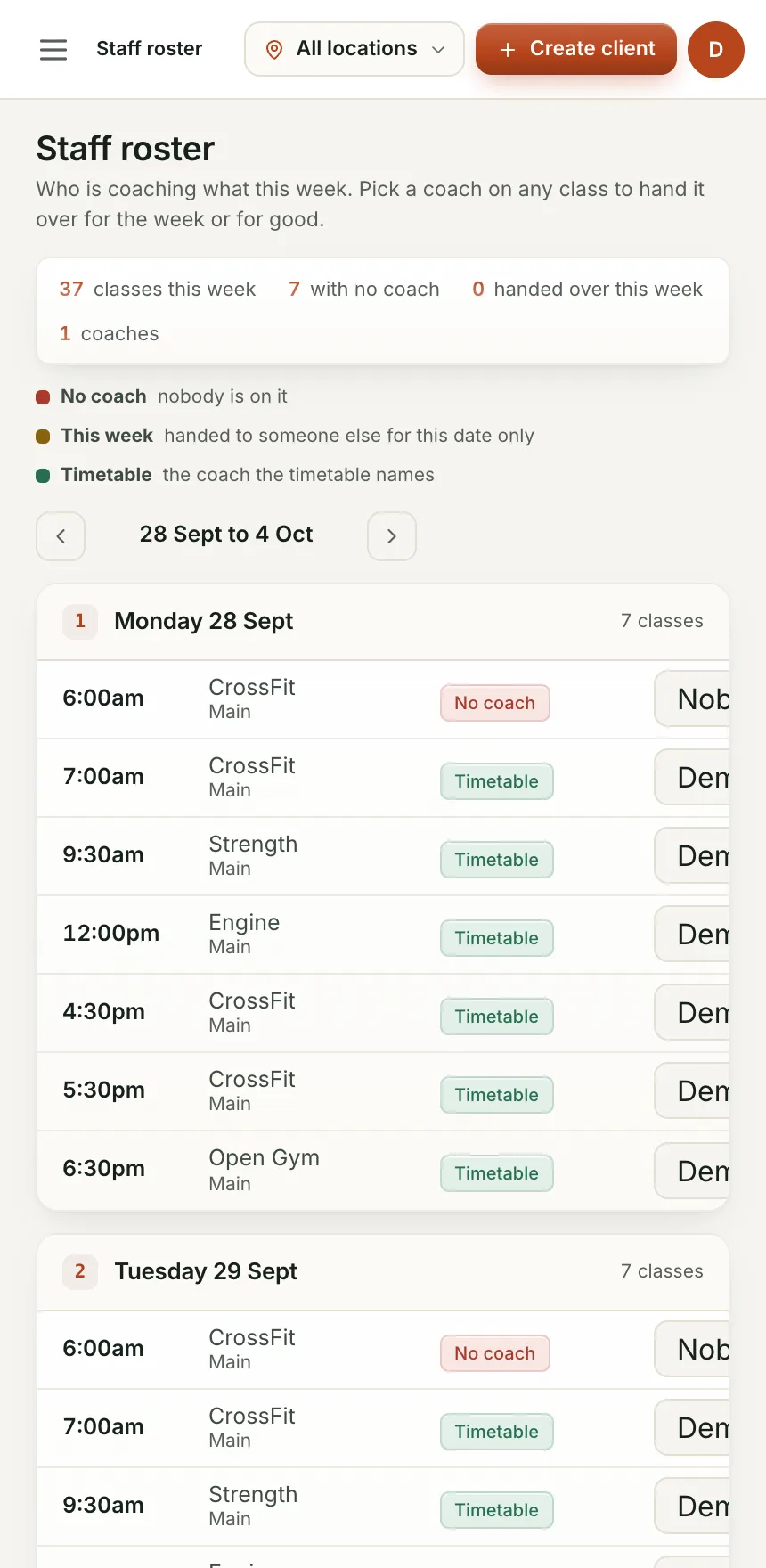
One place to see who is on what, and who is not.
Cover it for this week only, and next week goes back to normal.
The notice board says what needs a coach a week out.
No. The timetable sets what classes run and when. The roster sets who is coaching each one.
Yes, staff can see the roster; only owners and managers can change who is on it.
We are bringing gyms on a few at a time so each one gets set up properly. Leave your details and we will let you know when your spot is ready.