Connect once
Xero OAuth from Settings, Accounting. No re-entering invoices by hand ever again.
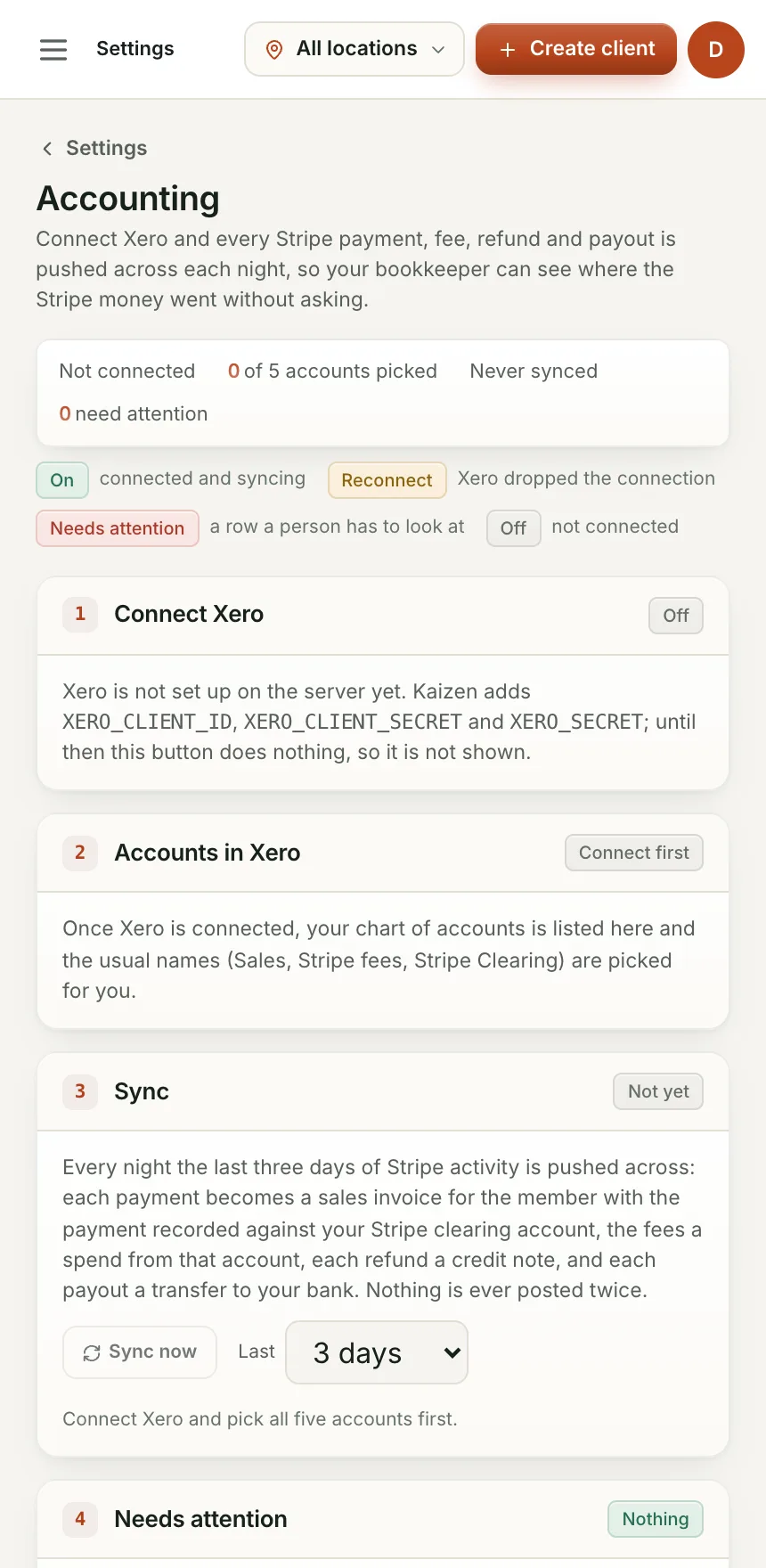
Connect Xero once and every Stripe payment, fee, refund and payout is pushed across each night, coded to the right account automatically. No re-keying invoices, no reconciling by hand, and a live profit and loss without opening Xero.
Xero OAuth from Settings, Accounting. No re-entering invoices by hand ever again.
The usual ones (Sales, Stripe fees, Stripe clearing) are picked for you by name. Change any of them.
The last three days of Stripe activity are pushed across: each payment becomes an invoice, fees a spend, each payout a bank transfer, each refund a credit note. Nothing is ever posted twice.
A profit card pulls straight from Xero, so you see income, expenses and net profit without logging in anywhere else.
A one-time OAuth connection from Settings.
Five picks, with sensible defaults already chosen.
A nightly sync keeps your books current. Hit Sync now any time you don't want to wait.
What happens to a Stripe payment on its way into Xero.
Coded to the member's contact and your Stripe clearing account.
Posted straight from the clearing account, split out from the payment.
Matches what actually lands in your bank.
With the cash refund recorded against it.
Every payment, fee, payout and refund lands in Xero coded correctly, automatically.
Profit, not revenue. Expenses come off automatically, every night.
The ledger is already reconciled by the time they open Xero.
Yes, Stats OS syncs to an existing Xero organisation. If you don't have one yet, Xero's own free trial takes a few minutes to set up.
The sync is built and tested. We're finishing registration with Xero before the first gym connects, ask in your beta onboarding for the latest.
We are bringing gyms on a few at a time so each one gets set up properly. Leave your details and we will let you know when your spot is ready.