Bookings with capacity
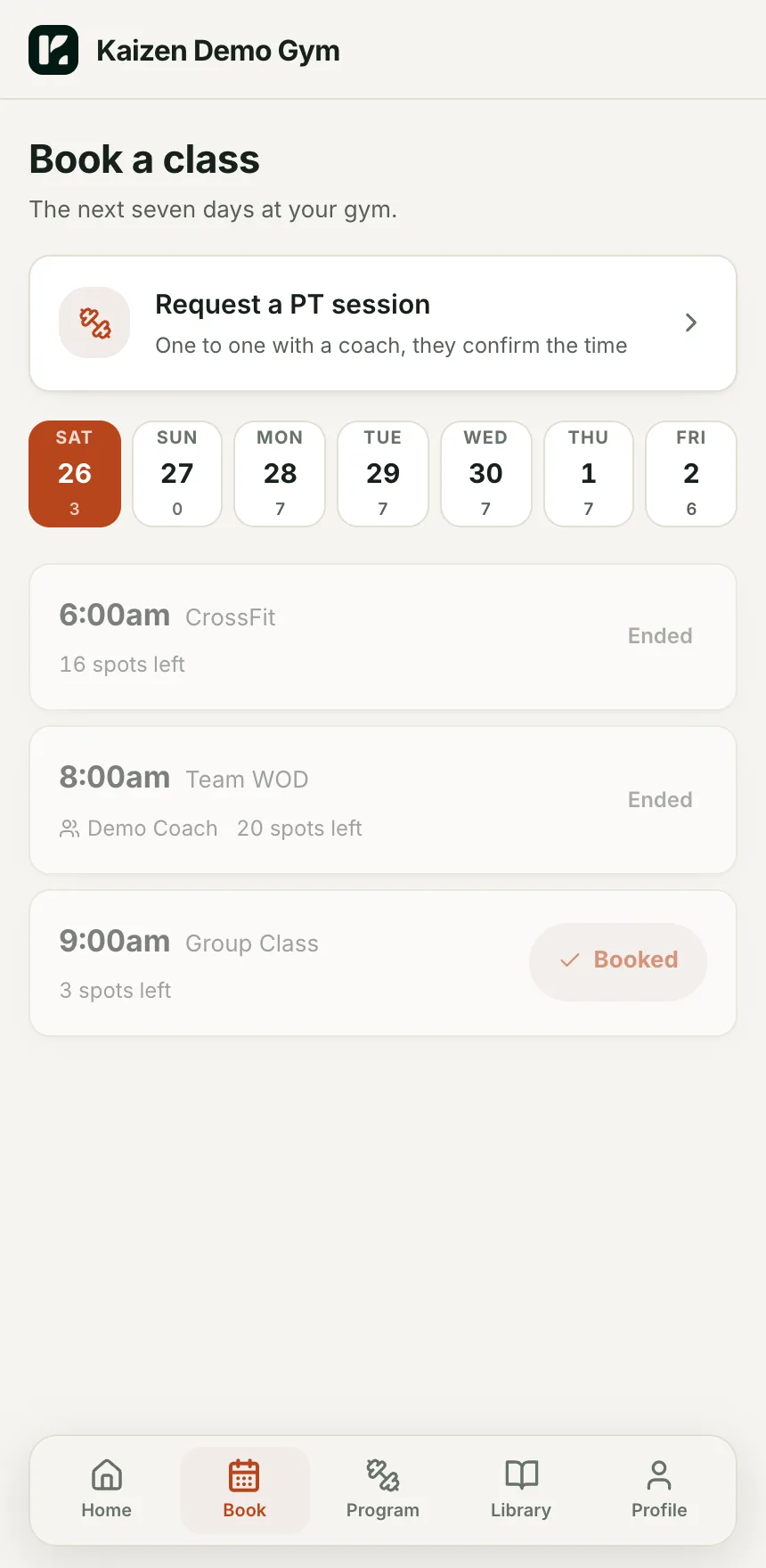
Members book the next seven days from their phone. Spots left are live. Cancel and rebook in one tap. Book a member from the console when they ring instead.
Class bookings with capacity, a kiosk on the front desk for check-in, PT appointments with a request and confirm flow, and a roster that shows who is booked, who came and who did not.
Members book the next seven days from their phone. Spots left are live. Cancel and rebook in one tap. Book a member from the console when they ring instead.
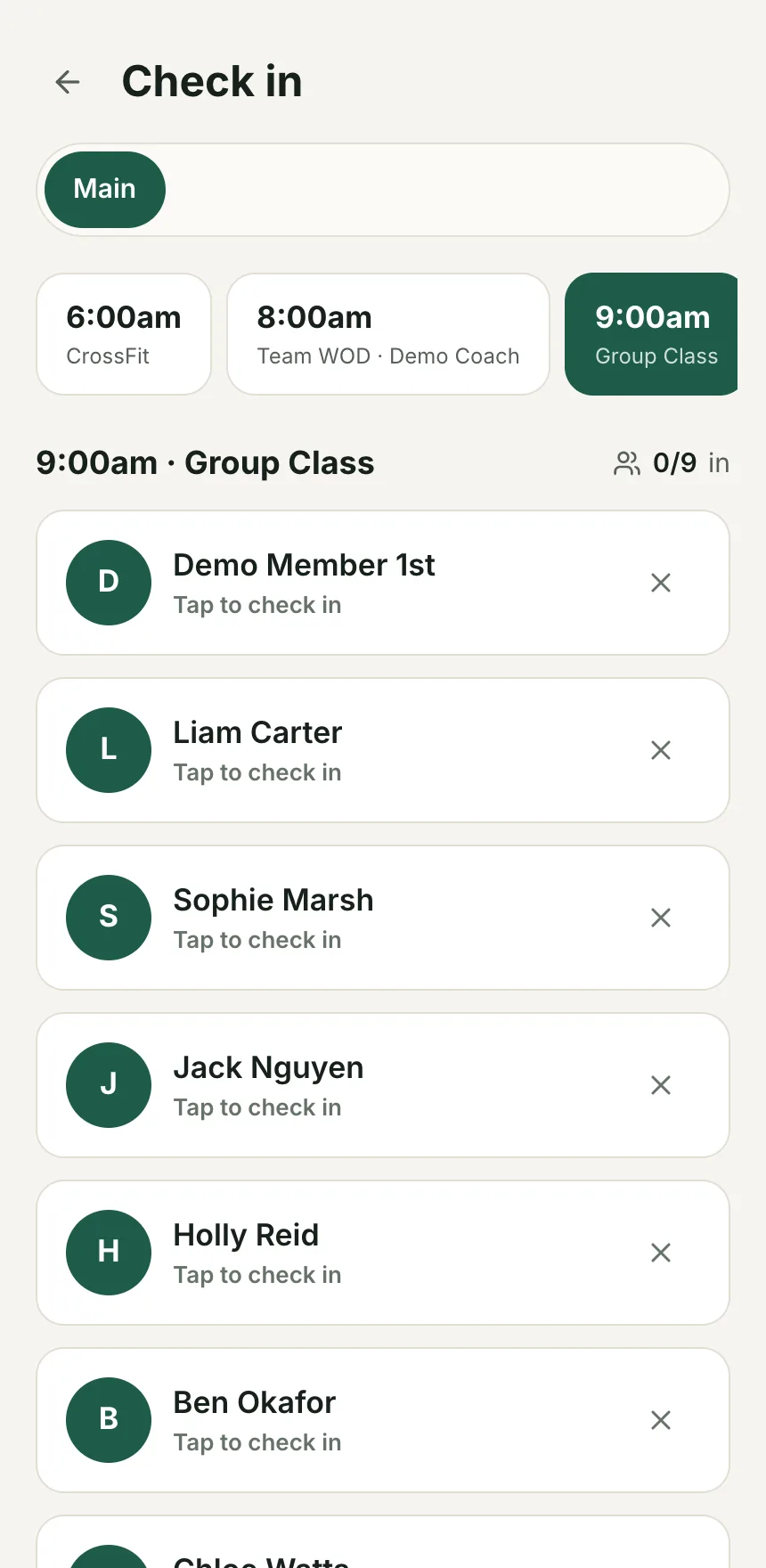
Open it on a tablet at the door. Today's classes across the top, booked members underneath, tap to check in. Coaches use it on their phone too.
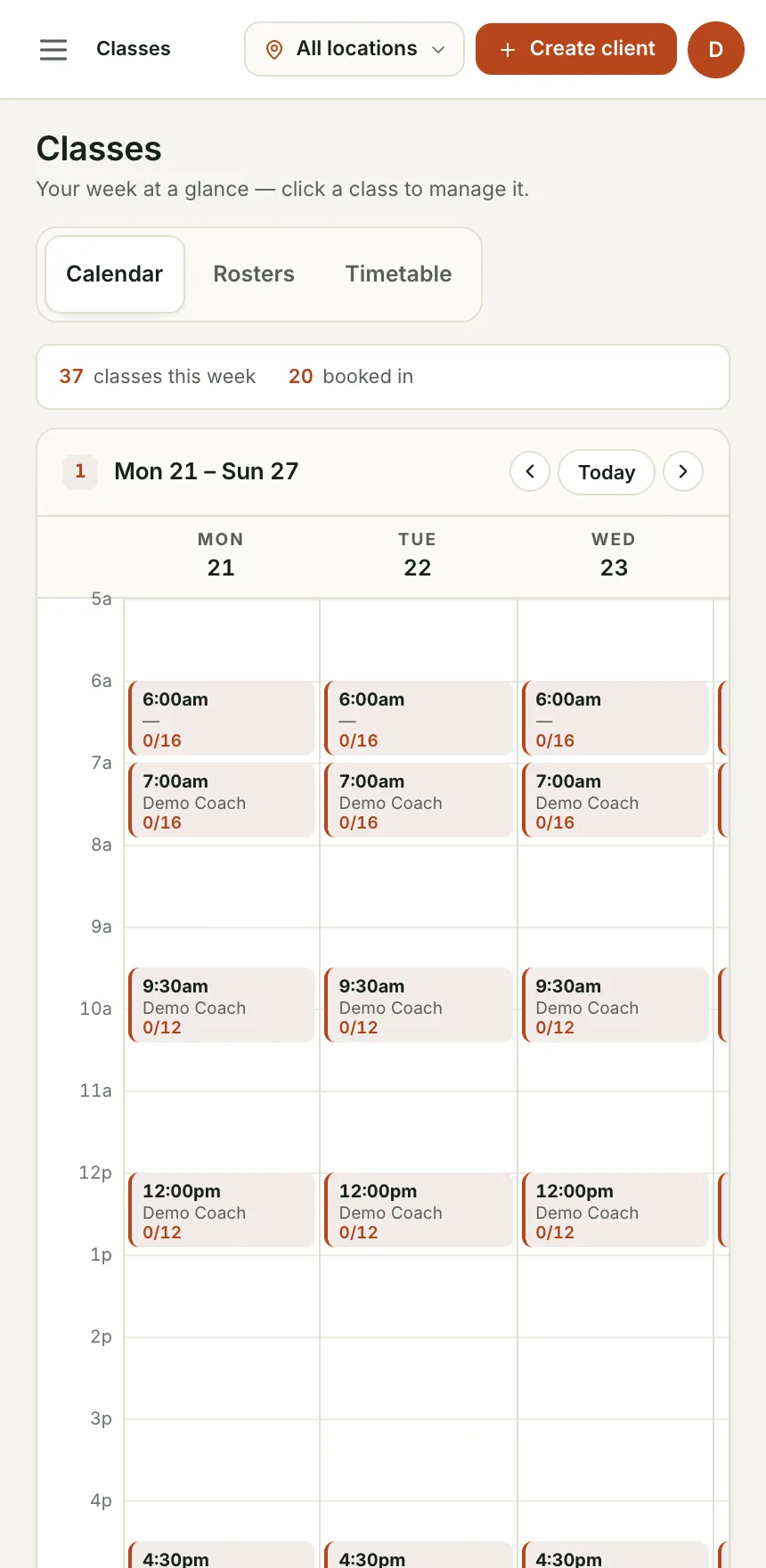
Add a class, pick the days it runs, set capacity and coach, done. A 6am Monday to Friday class is one save, not five.
Members request a session from the Book tab, the coach confirms it in Appointments. No-shows are marked. Timesheets are auto-filled from what actually ran.
Per location, with a coach and a capacity on each class.
From the app, with the payment gate applied if their payment has stopped.
Kiosk or coach phone. Attendance feeds the retention board and the member's numbers.
Bookings on the demo gym, from the member's phone to the front desk.
Booked, checked in and no-show are three different numbers, and every one feeds retention.
The kiosk replaces the sign-in sheet, and it works on any tablet you already own.
Requests, confirmations and no-shows are in the app, and the timesheet writes itself.
No. A member with a stopped payment sees why and gets a link to fix it. Agreement and waiver are also required before the first booking.
No. Any tablet or phone with a browser. Add it to the home screen and it runs full screen.
We are bringing gyms on a few at a time so each one gets set up properly. Leave your details and we will let you know when your spot is ready.