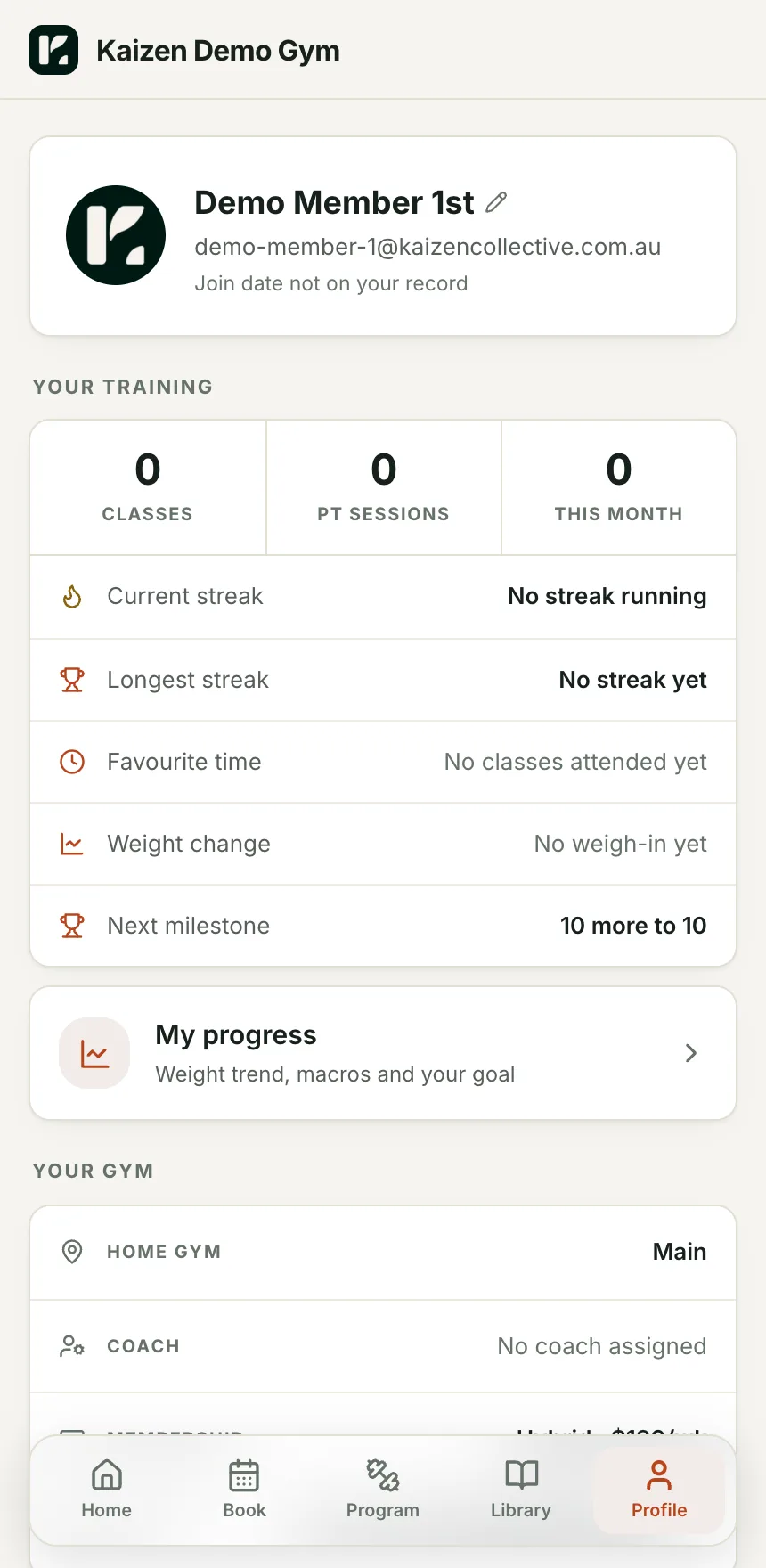
Your name, your logo, your colour
Set them once in Settings and every screen a member sees is re-tinted. The sidebar, the buttons, the app icon on their phone. Nobody sees a Kaizen logo.
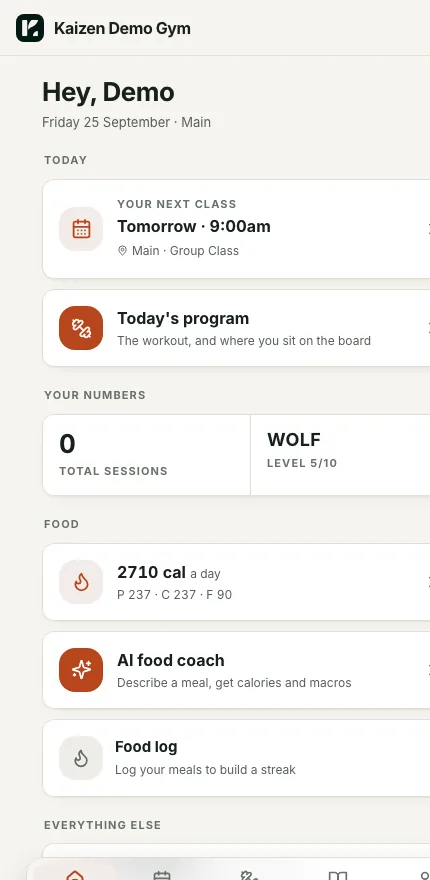
Your gym's name, your logo, your colours and your join page. Kaizen is invisible to members. They see their next class, today's program, their numbers and a direct line to their coach, and it looks like yours rather than like a platform.
Set them once in Settings and every screen a member sees is re-tinted. The sidebar, the buttons, the app icon on their phone. Nobody sees a Kaizen logo.
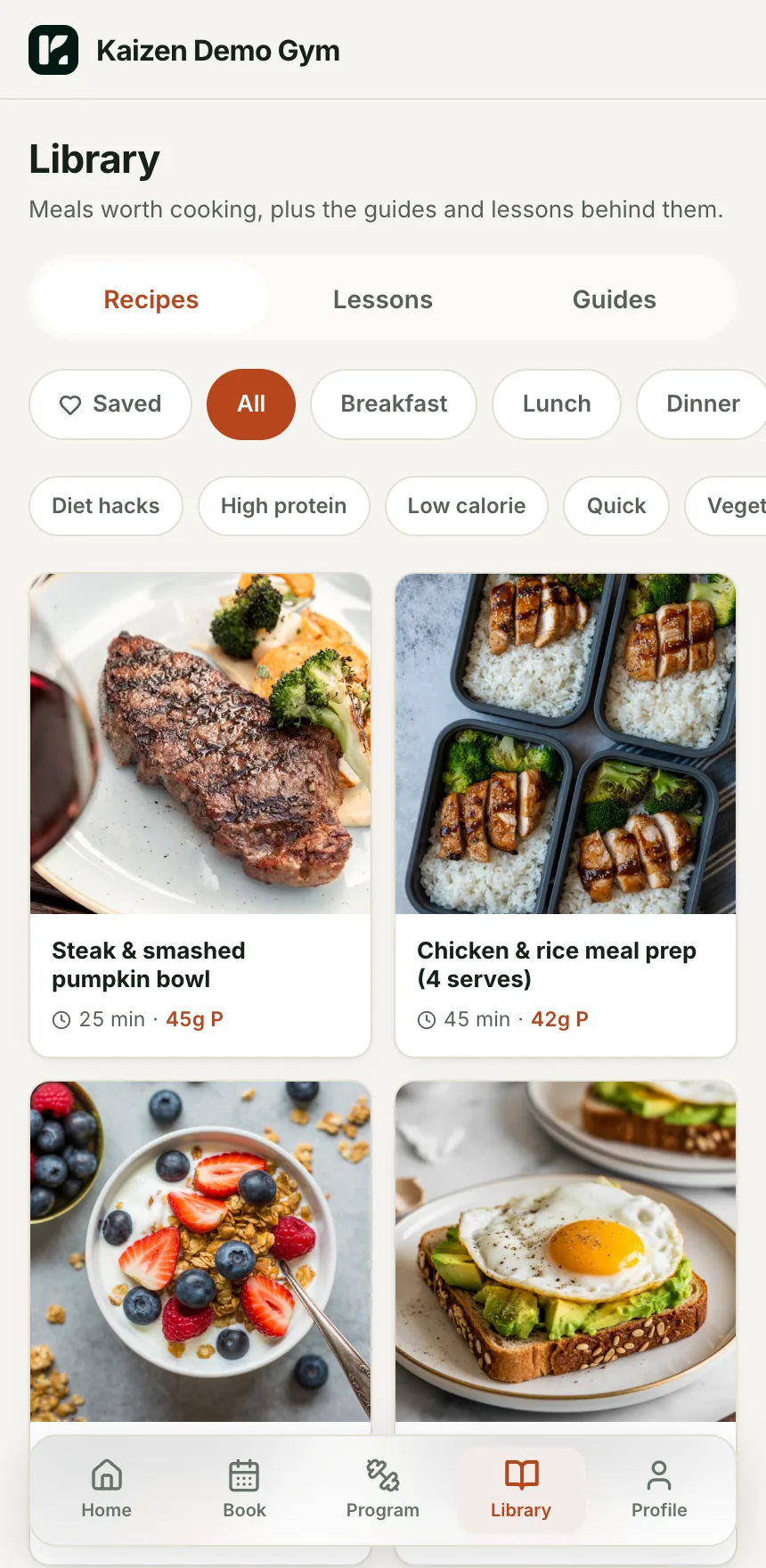
Next class, today's program, calories and macros, the food log, the leaderboard, the recipe library and their coach are all one tap from the home screen.
Total sessions, current streak, longest streak, favourite time, weight change and next milestone. Real counts from real bookings, not a guess.
Add to home screen on iPhone or Android and it runs full screen with push notifications. Native App Store and Play Store listings are coming.
Name, logo, accent colour and contact email. That is the whole setup.
Every member gets a sign-in link by email. No passwords to hand out, no app to buy.
One tap from the first login. From then on it opens like any other app.
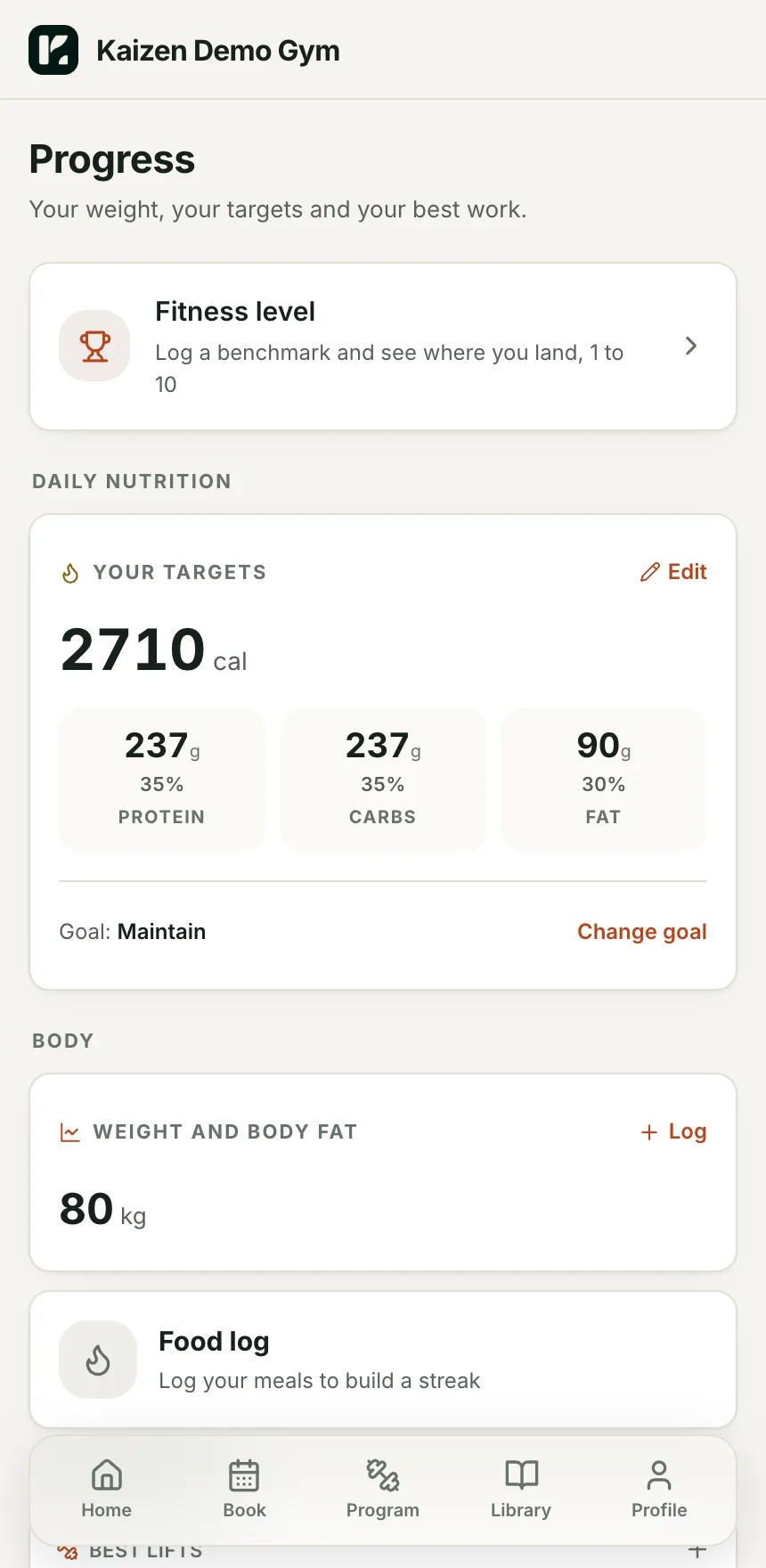
Three screens from the member app on our demo gym.
A member of a 60-person gym gets the same app experience as a member of a chain.
Bookings, programming, nutrition and billing live in the one app, so members stop asking which app does what.
The platform stays behind your brand, on every screen, in every email and in every push.
Members add it to their home screen today and it runs full screen with push. App Store and Play Store listings are in progress and will be under your gym's name.
Yes. Change it in Settings and it re-tints after the next reload.
We are bringing gyms on a few at a time so each one gets set up properly. Leave your details and we will let you know when your spot is ready.