A homepage for your gym
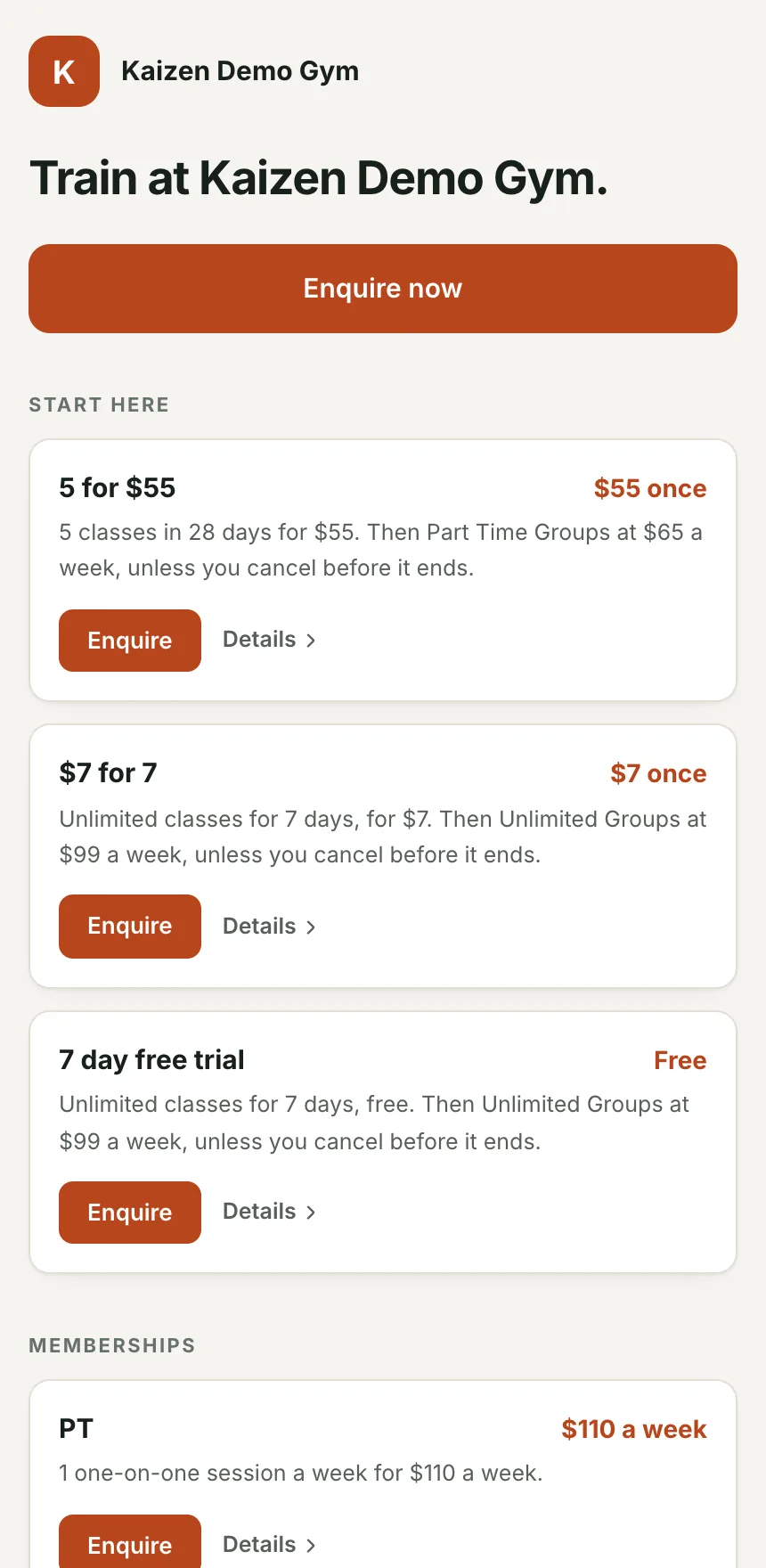
Your name, logo, colour, pitch, locations, timetable summary, intro offers and plans as cards, and an enquiry form. Link to it from Instagram or put it on a QR code at the front desk.
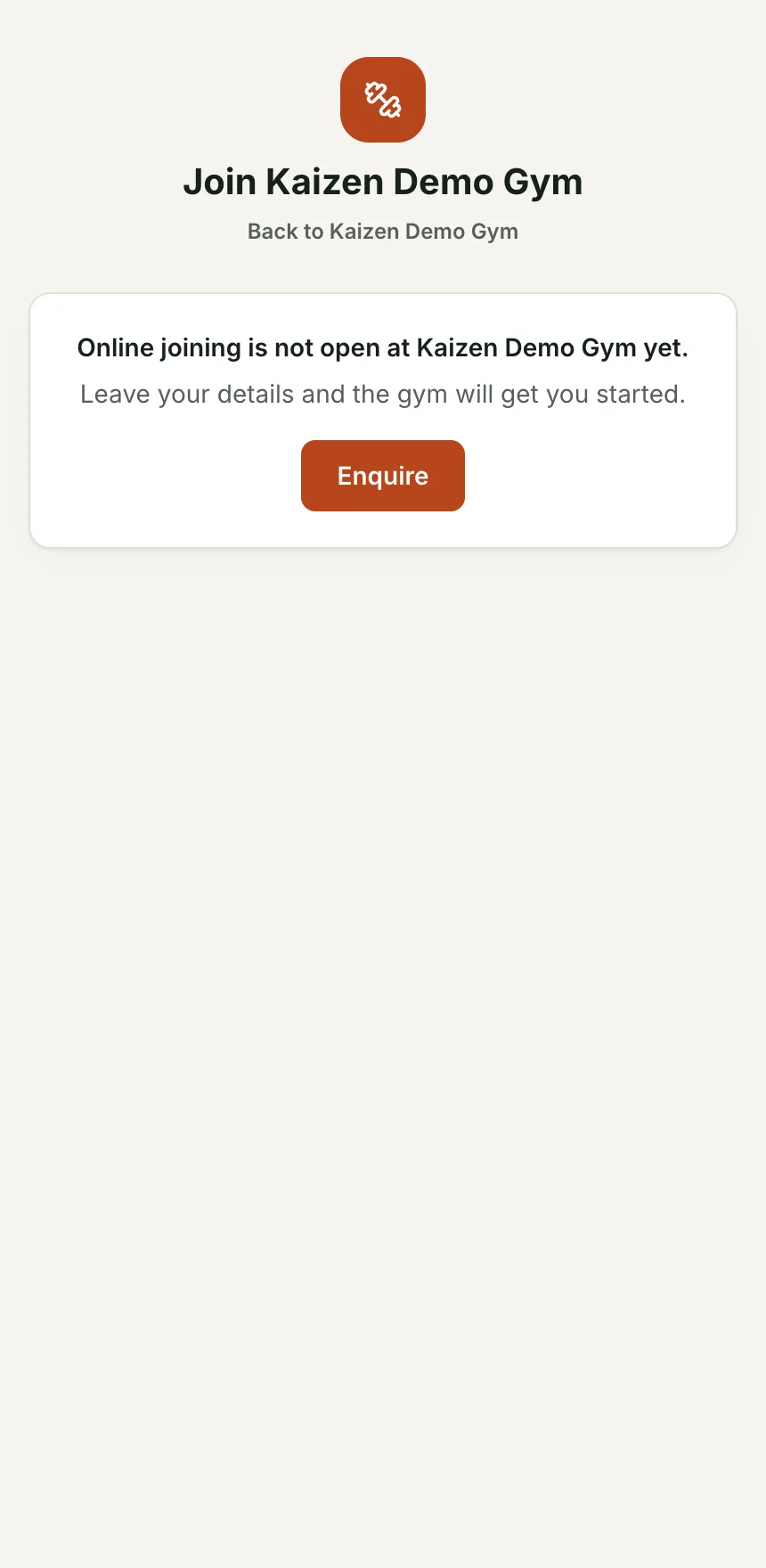
Every gym gets a public page with its plans and intro offers, a landing page for every offer, and a join flow that takes a visitor from pick a plan to signed, paid and logged in. Every visitor who leaves their details is a lead, even if they stop before paying.
Your name, logo, colour, pitch, locations, timetable summary, intro offers and plans as cards, and an enquiry form. Link to it from Instagram or put it on a QR code at the front desk.
5 for $55, a 7 day free trial, a 6-week challenge. Each has its own page and its own link, so an ad can send people to exactly the thing it sold them.
Details, membership agreement and waiver signed on the phone, card or bank debit, and the membership goes active with a login created. No form to print, no card to key in.
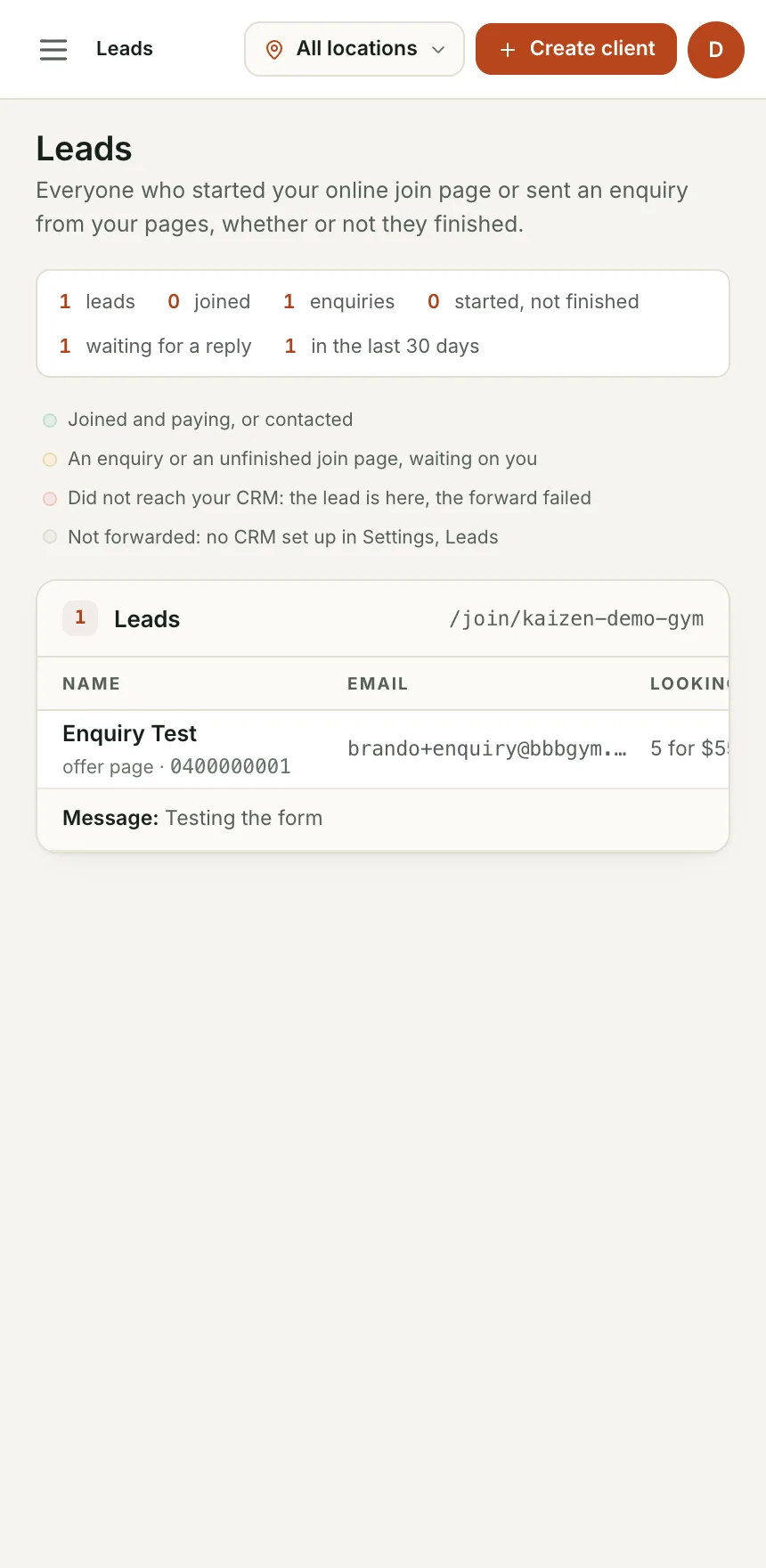
Anyone who enters their details and stops is on your Leads page with where they got to. Leads forward to your email, a webhook or your HighLevel sub-account.
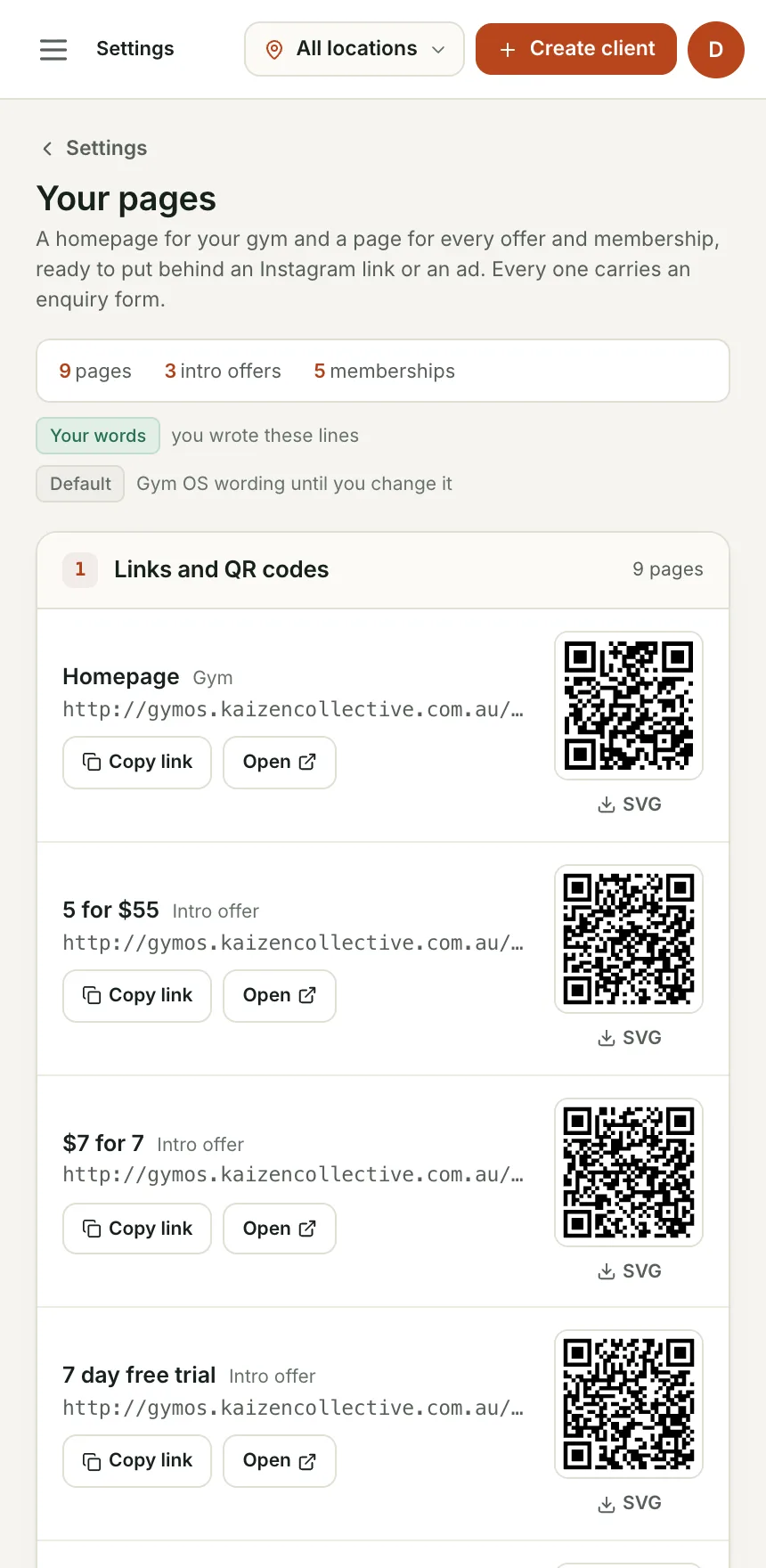
Write a pitch and an about paragraph. Plans and offers come from Memberships. Copy the links or download the QR codes.
Instagram bio, Google Business profile, a QR code on the door, or embed the form in your existing website.
Joined, half-finished, or enquired. Each one on the Leads page with a Mark contacted button.
The join funnel on the demo gym, from the public page to the owner's Leads screen.
A visitor can go from an ad to a paid, signed member without anyone at the gym touching it.
A half-finished sign-up is a lead with a name and a phone number, not a mystery.
Every lead can land in HighLevel or wherever you run follow-up, tagged with what they wanted.
Yes. There is a framable embed of the enquiry form with a snippet you paste in.
Your membership agreement and waiver, built from your gym's name, contact email and hold policy. You can review the wording in Settings before your first member signs.
We are bringing gyms on a few at a time so each one gets set up properly. Leave your details and we will let you know when your spot is ready.